What is cURL (in very simple terms)
cURL is a very fundamental tool for communicating with a server. It stands for Client URL and it is a command line tool that basically lets you request and also send the data you want directly from the command line.
cURL supports almost every type of protocol including HTTP and HTTPS. Essentially, curl prints the web response in the terminal.
- • Why programmers need cURL
- • Making your first request using cURL
- • Understanding request and response
- • Using cURL to talk to APIs
- • Common mistakes beginners make with cURL
Why programmers need cURL
Before using cURL, we should understand what was the need of cURL or what pain point cURL solved.
If you are a developer and you want to test any REST API: what is the response type, how the response is formatted, are headers, auth, and payload working correctly, is the API valid, how much time is it taking to respond, everything related to API testing, you would have to specially have different tools and software which was a little inconvenient.
So cURL was made which lets developers like you and us test any API directly from the terminal without any other software tools, drastically increasing productivity and performance.
Some Usage:
| Question while using an API | How cURL helps |
|---|---|
| Is the API valid? | Faster → Instant requests without GUI overhead |
| What is the response type? | Scriptable → Reusable commands inside scripts |
| How is the response formatted? | Lightweight → No UI, minimal system resources |
| What status code does it return? | Automation-friendly → Easy CI/CD and cron usage |
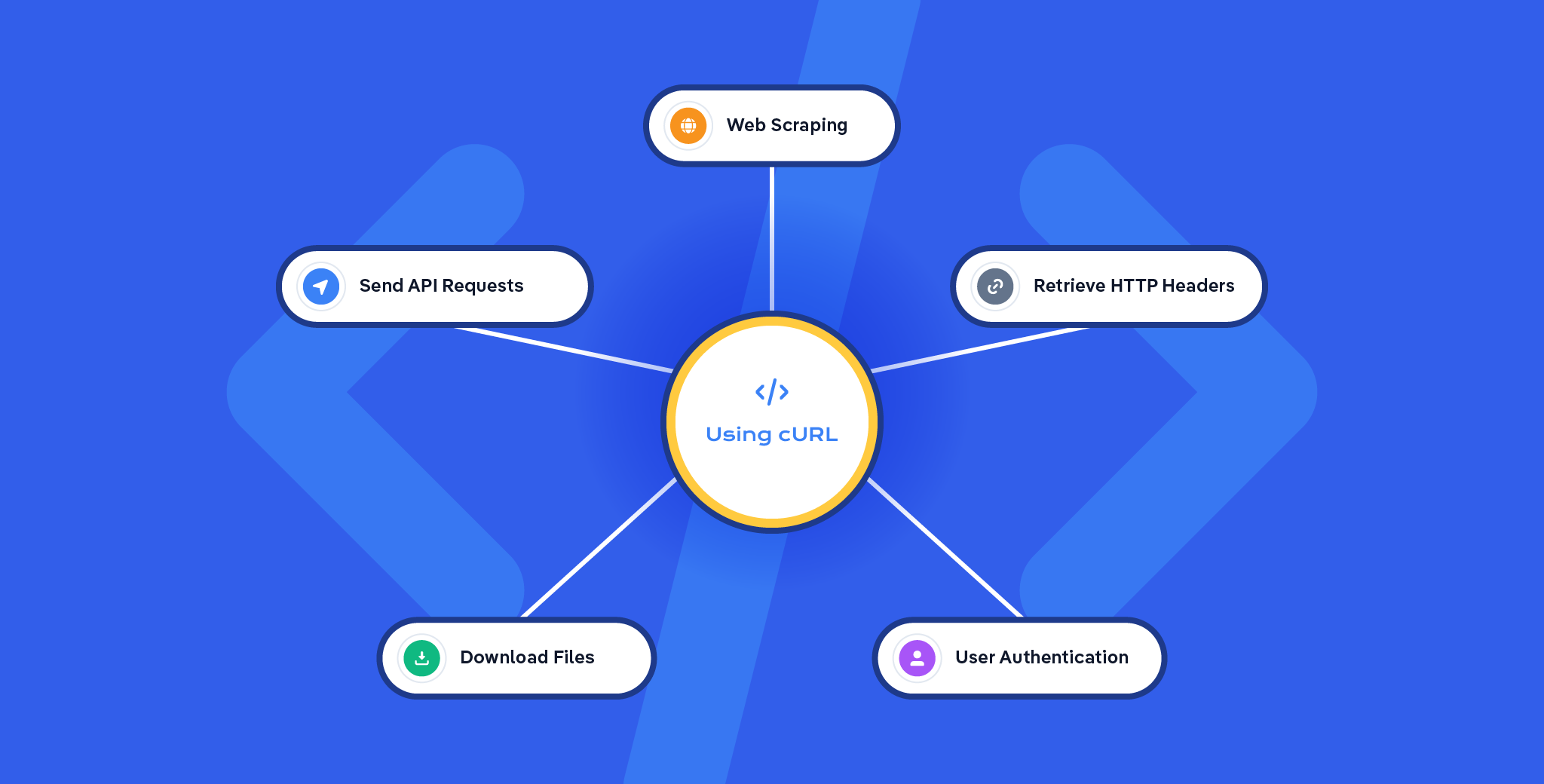
Using cURL In 5 Actual Scenarios
Making your first request using cURL
The simplest cURL request is a GET request. (You can send almost any type of REST API request)
What happens here:
- • curl sends an HTTP GET request
- • The URL is the API endpoint
- • The response is printed directly in the terminal
This lets you quickly verify:
- • Whether the API is reachable
- • The response format (JSON, HTML, etc.)
- • The returned data
That's your first API request (no browser, no extra tools, just the terminal).
Sending data with a POST request:
curl -X POST \
  -H "Content-Type: application/json" \
  -d '{"name": "Ba3a", "email": "someMail@gmail.com"}' \
  https://crud.ba3a.tech/users
Explanation:
-X POSTSpecifies the HTTP method for creating a new resource-H "Content-Type: application/json"Sets the content type header to indicate JSON data-d '{...}'Includes the user data in JSON format using the -d flag
Understanding Request and Response
Request
A request is sent by the client to the server to ask for data or to perform an action.
- • Sent by client
- • Contains method and URL
- • May include headers
- • May include body data
Response
A response is sent by the server back to the client after processing the request.
- • Sent by server
- • Contains status code
- • Includes headers
- • Returns data or error
Using cURL to Talk to APIs
cURL is a command-line tool that allows you to communicate with APIs by sending HTTP requests directly from the terminal. Using cURL, you can specify the request method, pass headers, send data in the request body, and inspect the server's response in raw form.
This makes it extremely useful for quickly testing APIs, debugging issues, and understanding how an API behaves without relying on browsers or GUI tools.
Gist:
- • Sends HTTP requests via terminal
- • Supports all HTTP methods
- • Can send headers and data
- • Shows raw API responses
Common Mistakes Beginners Make with cURL
General usage and syntax mistakes that beginners tend to make:
1Forgetting the protocol in the URL
Always start your URL with a protocol (e.g., http:// or https://). Omitting it (e.g., curl example.com) will likely result in a connection error.
2Not using quotes for URLs with special characters
URLs containing characters like &, ?, or spaces must be enclosed in double quotes to prevent the command line from misinterpreting them.
3Incorrect HTTP method specification
Beginners sometimes use the -X flag unnecessarily, which can cause issues with redirects. It's better to use specific options like -d (for POST data) which automatically set the method.
4Ignoring case sensitivity
URLs and API endpoints are case-sensitive. Ensure the path is typed exactly as specified in the API documentation to avoid 404 errors.